Most rankings of AI tools for graphic design are scored on output. Which one draws the nicest poster, which one gets the hands right. That is the wrong test for anyone running a brand, because the thing that fails over a month is not the quality of one image. It is that image four looks like it came from a different company than image one.
Every product below can generate something competent. They differ enormously in what they will hold still for you: your actual typeface, your actual colour values, your logo in the same place every time. Some store those decisions and can enforce them. Some store a look but not your values. One stores nothing at all and is still worth having, for a different job. The list is ordered by that capability, not by output quality, and the criteria come first so you can disagree with them.
How We Judged These AI Tools for Graphic Design
The design field already has a precise name for a decision that gets stored rather than remade. The Design Tokens Community Group, which operates as a W3C community group, defines a design token as the single source of truth to name and store a design decision, distributed so teams can use it across design tools and coding languages. That is the capability being tested here. Not whether a tool can produce your blue once, but whether your blue is written down somewhere the tool has to obey.
A prompt is the opposite arrangement. It is an instruction issued fresh, read by a model with no record of yesterday. And the underlying generation is not repeatable by default: the Hugging Face Diffusers documentation, which covers the machinery beneath a large share of image generation, states that completely reproducible results are not guaranteed across PyTorch releases, individual commits, or different platforms, and that results may differ between processor types even with an identical seed. A brand look that lives only inside a prompt has an expiry date nobody warns you about.
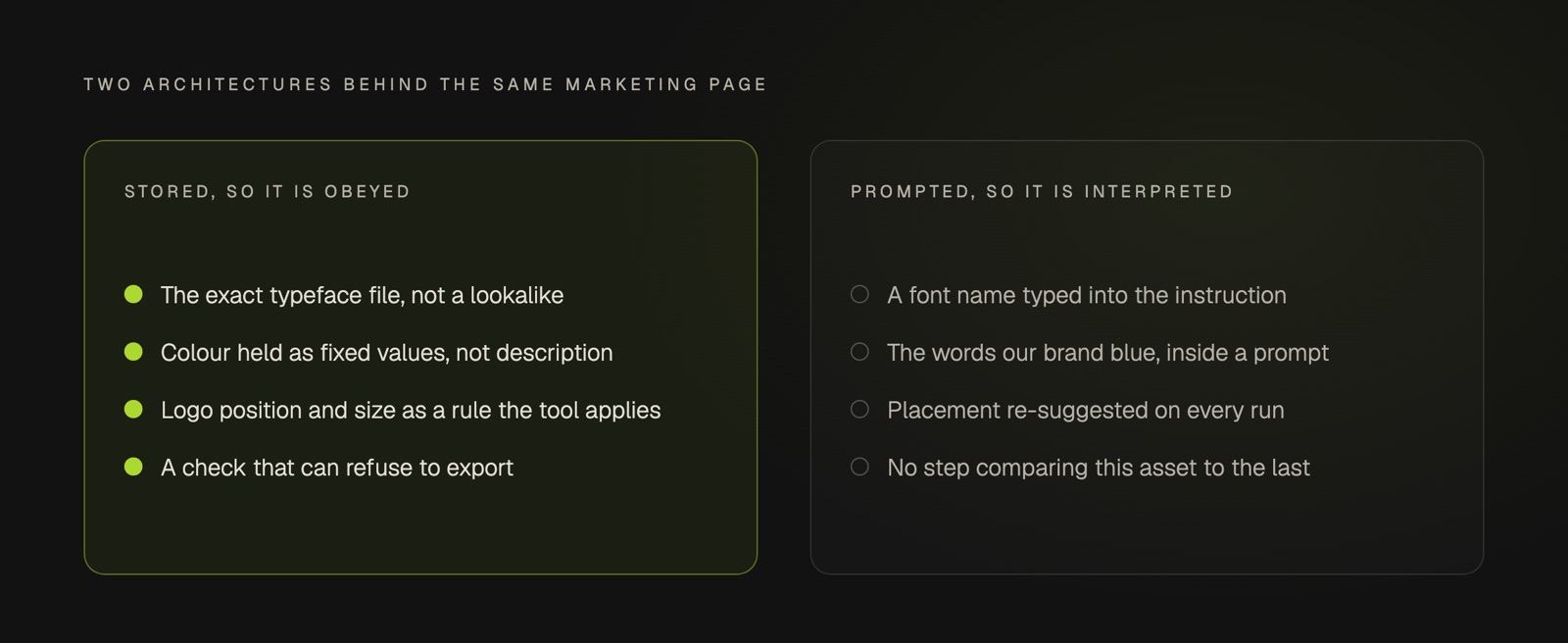
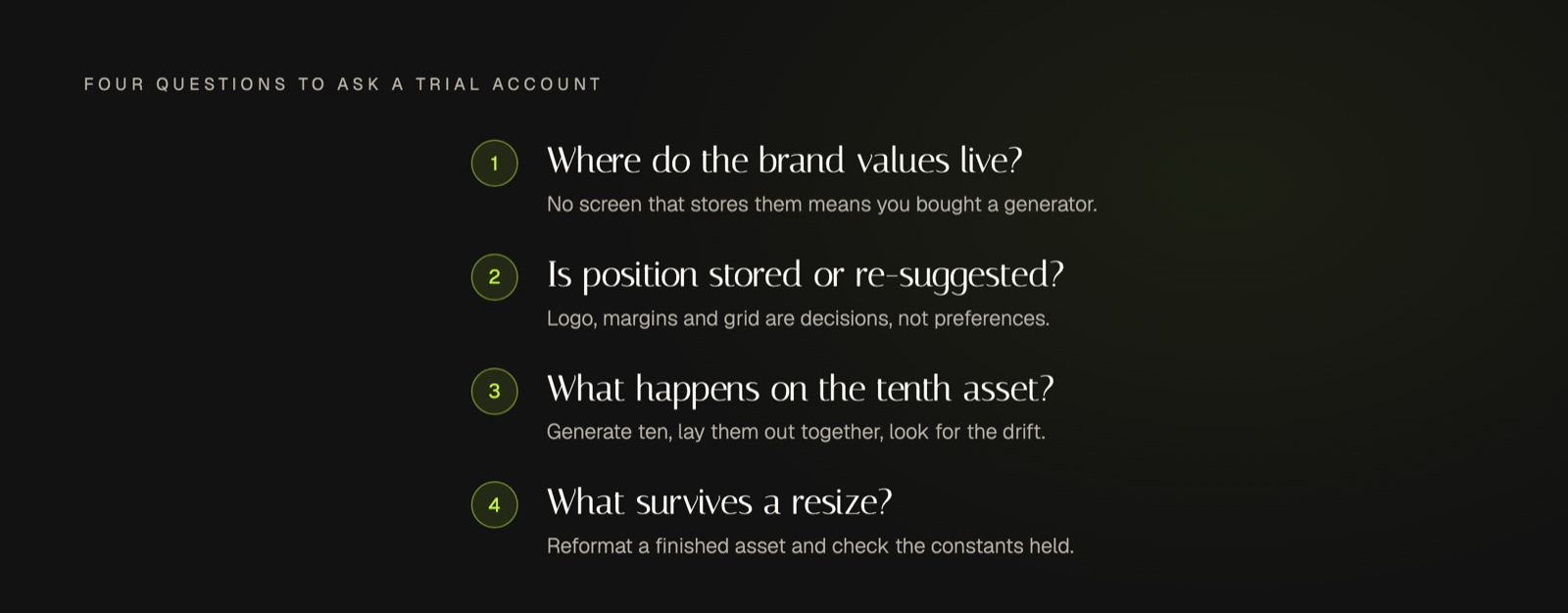
So four questions decided the order, asked of a trial account rather than a sales page. Where do the brand values live, and can the tool refuse rather than substitute? Is layout position stored, or re-suggested every run? What happens on the tenth asset generated in one sitting? And what survives when a finished asset is reformatted to another aspect ratio?
Two notes on what this list is not. Every product here is real and currently available, and every claim about it is taken from the maker's own documentation, linked in each entry. And nothing is ranked by our preference: the AI tools for graphic design below are judged on the four questions alone, we are not a graphic design tool ourselves, and we have not put ourselves on the list.
Canva: A Brand Kit the Tool Can Enforce
Canva stores brand values in a Brand Kit, and its own help centre describes the kit as a place to upload and organize your team or organization's official logos, colors, fonts, and assets in one place. Plenty of products do that much. The part worth paying attention to is the sentence just after it: to restrict people to using only the colours and fonts that are in Brand Kits, you set up Brand Controls.
That is enforcement rather than availability, and it is the rarest thing in this category. Most tools make the brand easy to reach and leave it entirely possible to ignore. Brand Kits sit on the paid plans, so the free tier gives you the editor without the constraint that makes it reliable.
Adobe Express: Apply a Stored Brand to a Whole Design
Adobe Express holds brands as logos, colours, fonts and graphics, and applies them across a design in a single action rather than element by element. Adobe's own guidance covers applying brand colors and fonts to the entire design and recoloring graphics, including across every page of a file at once.
Its feature comparison also lists brand controls that specify which brand colours and fonts a shared template is allowed to use, which puts it in the same enforcement conversation as Canva. There is a genuine free plan, with the brand and template creation features sitting on Premium.
Figma: Named Values, Applied Everywhere
Figma is a design tool with AI features rather than an AI generator, which is precisely why it belongs here. Its documentation describes variables as things that store reusable values that can be applied to all kinds of design properties, covering colour, number and typography, with modes so one design can switch context without being redrawn.
This is the closest thing in the category to a real token system, and the tradeoff is honest: you get exact control and you do the layout work yourself. There is a free Starter tier, with the team library features on Professional and above.
Penpot: Tokens You Own, on the W3C Format
Penpot is the open source entry, and it earns its place on one detail. Its tokens follow the format module published by the same W3C community group named earlier, which means the values you define are portable rather than locked to one vendor. Its documentation covers tokens for colors, typography, spacing, shadows, and any visual element that affects a layer, organised into sets and themes.
It is the right answer for anyone who wants the brand definition to outlive the subscription, and it is self-hostable. It is also the most demanding option on this list in terms of setup.
Recraft: Save a Style and Reuse It
Recraft is a generator that took the consistency problem seriously. You build a custom style from your own reference images, and the documentation is explicit that once you are happy with the result you save the style and it is added to your personal style library for use in any future project, using up to five reference images to define it. Styles can be shared with a team, so the look survives a change of who is generating.
Read the free plan terms before building anything on it. Recraft states that images generated on the free plan are owned by Recraft, are publicly visible in the community gallery, and are not licensed for commercial use.
Midjourney: Holds a Look, Not Your Brand Values
Midjourney is here as the honest counter-example, and it is a good product. Its Style Reference feature is described as a way to capture the visual vibe of an existing image, and the documentation is careful about the scope: it doesn't copy objects or people, just the overall style, like colors, medium, textures, or lighting. Style codes can be reused across prompts.
That is consistency of atmosphere, not consistency of brand. A style code will not hold your hex value or place your logo. Use it to explore a direction, then rebuild the finished asset somewhere that stores your actual values. Midjourney is subscription only, and its documentation confirms no free trial is currently available on Discord or its website.
Photoroom: Product Imagery at Volume
Photoroom is narrower than the others and better at the narrow thing. It handles product and e-commerce imagery, with background removal and bulk operations across many images at once, and its pricing page lists a Brand Kit on every paid tier. If most of your week is the same product shot in several placements, this is the tool that removes the repetition.
Worth knowing before you commit: the plan structure runs Pro, Max, Ultra and Enterprise, with the brand features on the paid side rather than a permanent free tier.
The Seven at a Glance
| Tool | Best for | Key differentiator | Pricing tier |
|---|---|---|---|
| Canva | Teams that need the brand rule enforced, not merely available | Brand Controls can restrict designs to only the colours and fonts in the Brand Kit | Free tier; Brand Kit on paid plans |
| Adobe Express | Applying a stored brand across a whole design at once | Brand controls specify which colours and fonts a shared template may use | Free plan, paid Premium |
| Figma | Exact control over brand values as named variables | Variables carry modes, so one design switches context without a redraw | Free Starter, paid Professional upward |
| Penpot | Owning the brand definition outside any one vendor | Tokens follow the W3C community group format, so they stay portable | Open source, self-hostable |
| Recraft | Keeping generated imagery in one look across a set | A style built from reference images, saved and reusable in any future project | Free plan is non-commercial, paid above |
| Midjourney | Exploring a visual direction before committing | Style references hold an overall look, not your brand values | Subscription only |
| Photoroom | Product imagery repeated across many placements | Brand Kit combined with bulk editing across many images | Paid tiers, Pro upward |
Key Takeaways
- Rank these products by what they store and enforce, not by what their demo generates.
- Enforcement is rarer than storage. Having a brand kit is not the same as being unable to ignore it.
- Generative output is not reproducible by default, so a look that lives only in a prompt will drift.
- A style reference holds atmosphere. It does not hold your typeface or your hex value.
- Check the licence on any free tier before you publish what it made.
- Test on the tenth asset and on a resize, never on the first result.
Frequently Asked Questions
Which AI tools for graphic design suit a small business with no designer?
Start with one that stores your brand values and can enforce them, because you have nobody checking the output by eye. Canva and Adobe Express are the two here built for that reader, since both keep logos, colours and fonts in one place and can restrict what a template is allowed to use. Add a generator later for imagery, once the frame around it is fixed.
Are free AI tools for graphic design good enough?
For assistive jobs, usually. Background removal, cropping and reformatting have a correct answer and free tiers generally reach it. The consistency layer is what tends to sit behind the paywall, so the free version hands you the generation and withholds the part that keeps a month of posts recognisable. Check the licence too, since at least one product on this list does not grant commercial use on its free plan.
Can any of these keep a brand consistent without you checking every asset?
Only the ones that can refuse. A tool that offers your brand colours still lets anyone pick a different one, and a generator that has never seen your typeface will approximate it. Look specifically for a control that restricts what may be used rather than a panel that merely makes the right values convenient, and accept that everything else needs a human check before publishing.
Conclusion: Buy the Constraint, Not the Generator
The honest summary of AI tools for graphic design in this category is that the generation problem is finished and the memory problem is not. Every product above will make you something good today. Far fewer will make you the same thing next month, and that gap is where a brand either compounds or quietly dissolves into competent noise.
So invert the demo when you trial one. Anyone can show you something impressive made once. Ask to see the same thing made ten times, next month, by someone who was not there when it was set up. That is the same argument that sits underneath keeping a documented brand blueprint at all, it is why we assess AI content marketing tools the same way, and it is the failure we traced in what AI graphic design makes well and what it forgets. If holding that line every week is the part that keeps slipping, it is worth a look at how a system handles it instead.